Getting Started
In this tutorial, we will guide you through the step-by-step process of getting started with syncing and federating package metadata and vulnerability metadata.
Note
This tutorial assumes that you have a working installation of FederatedCode. If you don’t, please refer to the Installation page.
Create Admin User
python manage.py createsuperuser
Log in to FederatedCode Admin
Navigate to http://127.0.0.1:8000/admin/ and log in using the credentials created in the previous step.

Create Service User
Go to http://127.0.0.1:8000/admin/fedcode/service/add/ and create a service.
Select the newly created superuser as the user, and leave the “remote-actor” field empty.

Note
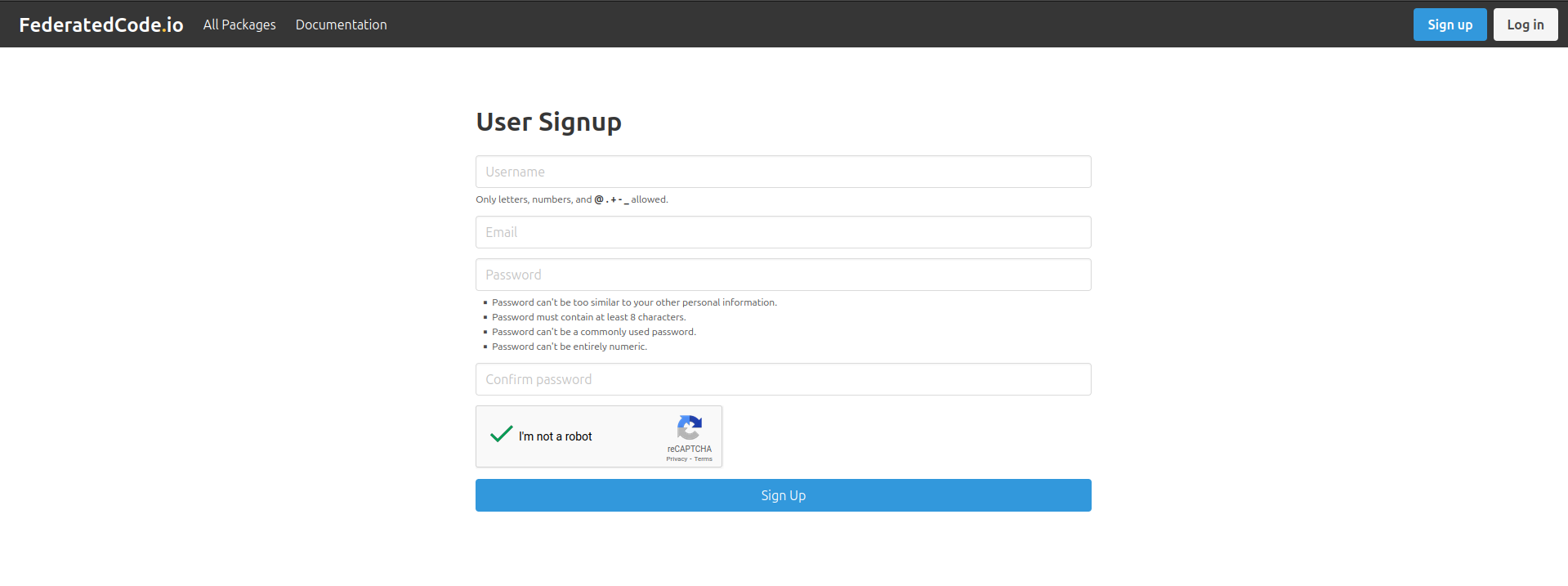
Or sign up and ask the FederatedCode admin to promote your account to a service account.